
Conversational assistant
H AI
HAI’s conversational assistant for text and hands-free voice chat, available instantly without creating an account.
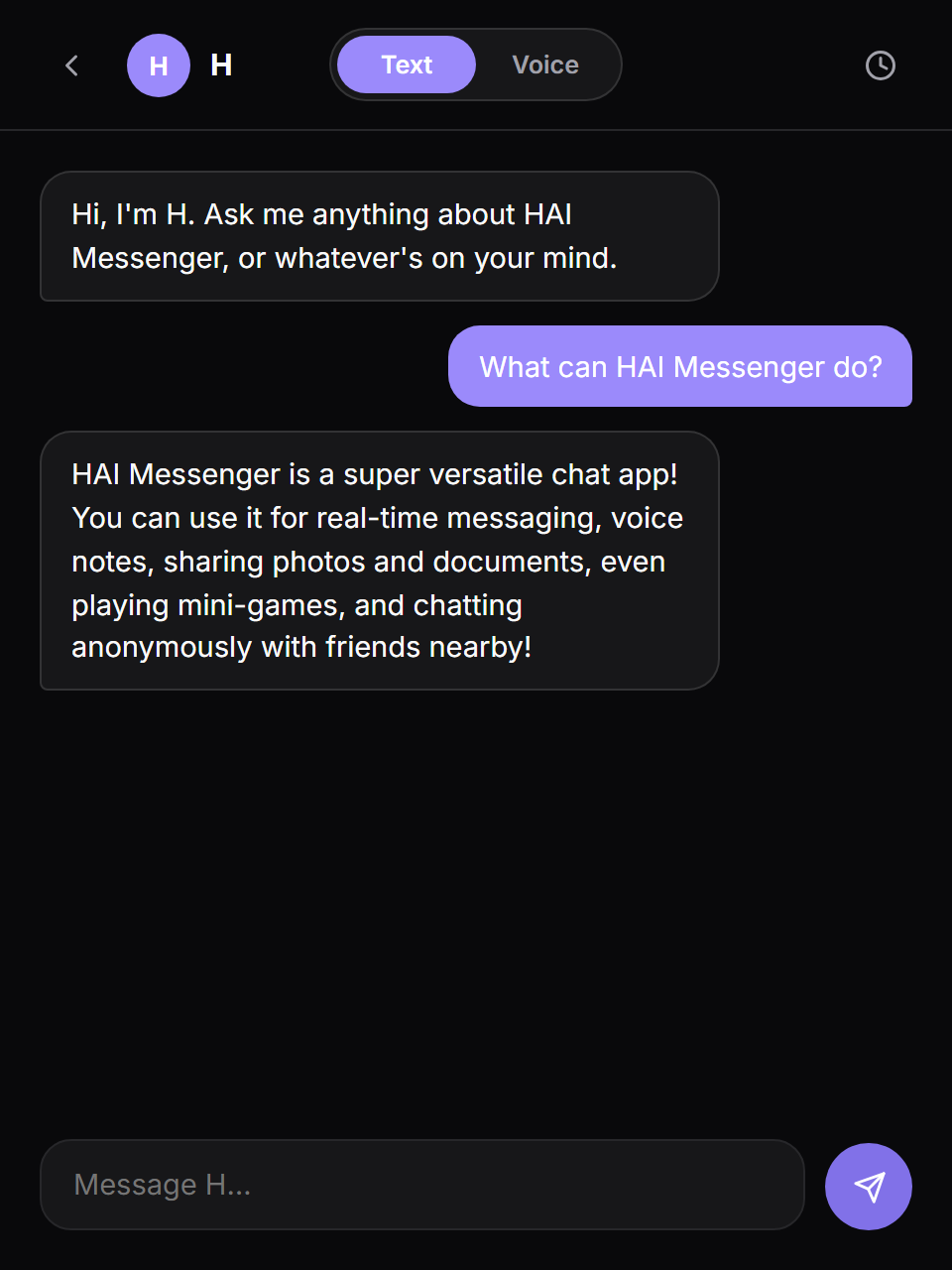
Interactive preview
Try a demo
Ask about an application. This is a small browser-only illustration, not the full application. AI responses are scripted; model and desktop features are not running here. Inputs stay on this page and reset when you reload.
Result
Ready. Change the sample and run the demo.
Explore the real workflow
Open H AI directly from its information page.
The full app's capabilities and requirements are described below.
What it is for
HAI’s conversational assistant for text and hands-free voice chat, available instantly without creating an account.
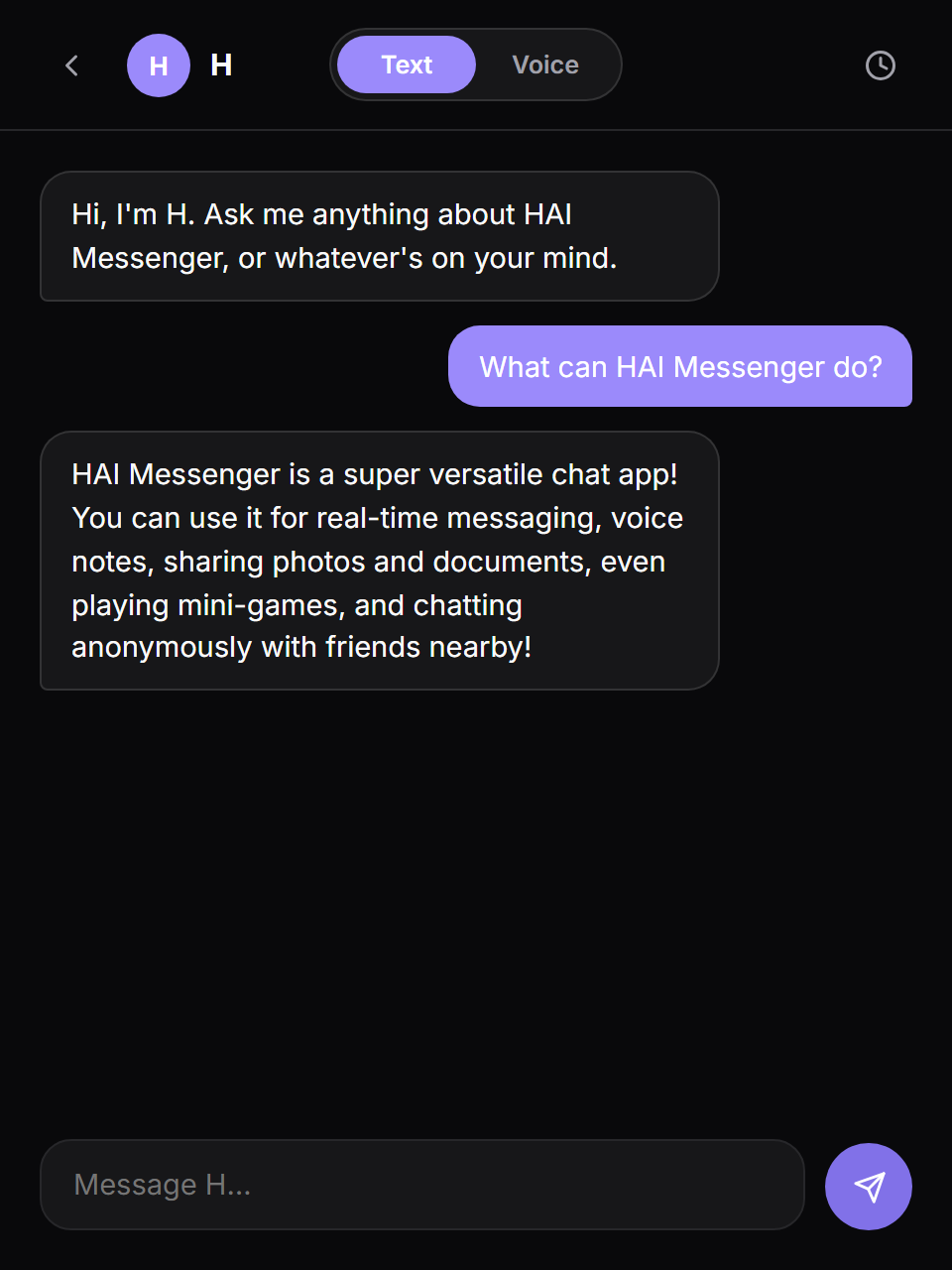
H provides a simple conversational space for quick questions and voice interaction without requiring a separate account or a complicated workspace. The interface is designed to feel direct: open the page, type or speak, and continue the conversation.
- Ask a quick question
- Open a focused conversation without creating an account or setting up a project.
- Talk hands-free
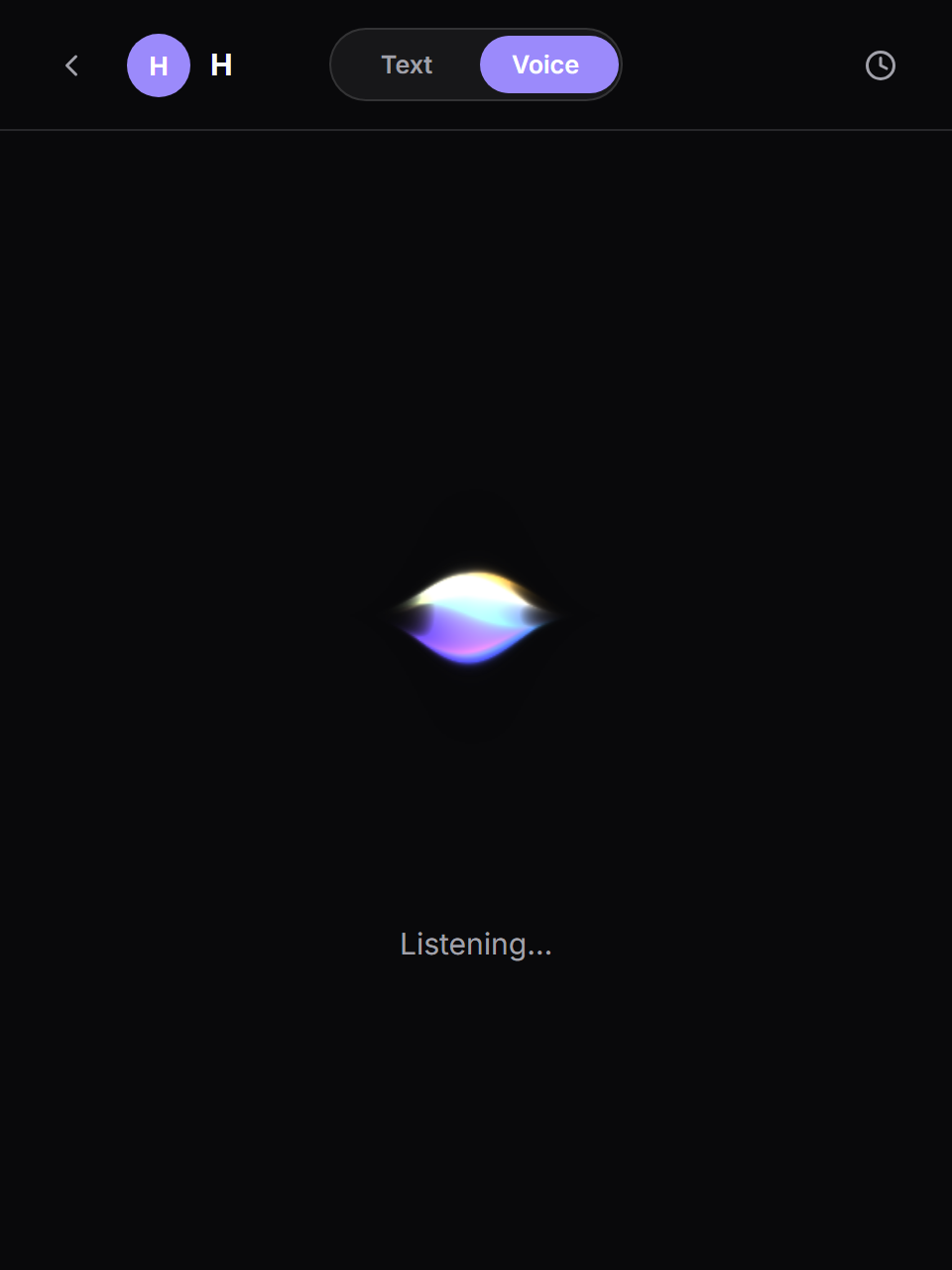
- Use supported browser speech input and spoken responses for a voice conversation.
- Keep your terminology
- Add unfamiliar terms to the personal glossary and export the conversation transcript.
Get started
Open H AI and type a question. For voice, start the voice conversation and grant microphone permission when the browser asks.
- A modern browser for text chat.
- Microphone permission and browser speech support for voice mode.
- An internet connection for the current Gemini-backed runtime.
Features and workflow
- Text conversation
- Ask a question, receive a response, and keep the current conversation moving in a focused chat interface.
- Hands-free voice mode
- Use the browser’s speech capabilities to talk with H and hear responses aloud.
- No account required
- Open the assistant directly without registration or a saved HAI Messenger identity.
- Personal glossary
- Teach H unfamiliar terms and keep those glossary entries in the browser’s local storage.
- Conversation transcript
- Review the current history and download the transcript as a text file.
- HAI product knowledge
- Ask about HAI Messenger features and receive guidance about the wider HAI application suite.
- Open H AI directly from its information page.
- Choose text mode or start a voice conversation.
- Ask a question or speak naturally.
- Continue the thread while the page retains its conversation context.
- Review or download the transcript when finished.
Architecture
H is a browser-based interface served by the HAI backend. It currently uses Google’s Gemini API as an interim model runtime while migration back to a locally hosted model is in progress. Voice input and playback use browser Web Speech capabilities, and user-taught glossary terms stay in local browser storage.
Privacy and limitations
During the current interim configuration, message text is sent to Google’s Gemini API for processing. Browser speech handling can vary by browser and operating system. Glossary entries remain local to the browser, and no HAI account is required to start a conversation.
Status
Live on myhai.org. Text and voice modes are available now; the model runtime is temporarily Gemini while the locally hosted runtime is being restored.
- Availability
- Live web app
- Account
- Not required
- Interaction
- Text and voice
- Current model
- Gemini, interim
Gallery
Questions
Is H AI the same as Hagent?
H AI is a conversational text and voice assistant. Hagent manages projects, issues, specialized agents, and scheduled work.
Is the model running locally?
The current hosted configuration uses Gemini as an interim runtime. Message text is sent to that provider for processing.
Why might voice differ between browsers?
Speech input, voices, and permission handling depend on the browser and operating system. Text chat remains the alternative when speech support is unavailable.